
Clientboard
The CRM that lives in your keyboard.
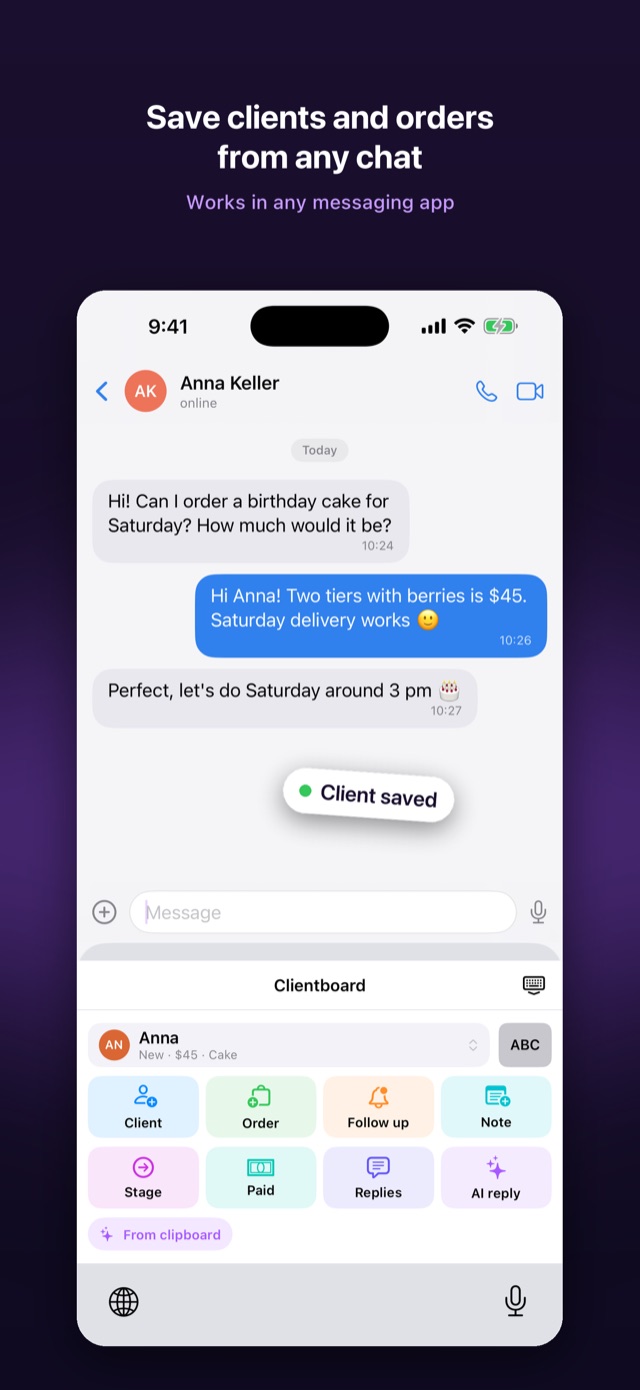
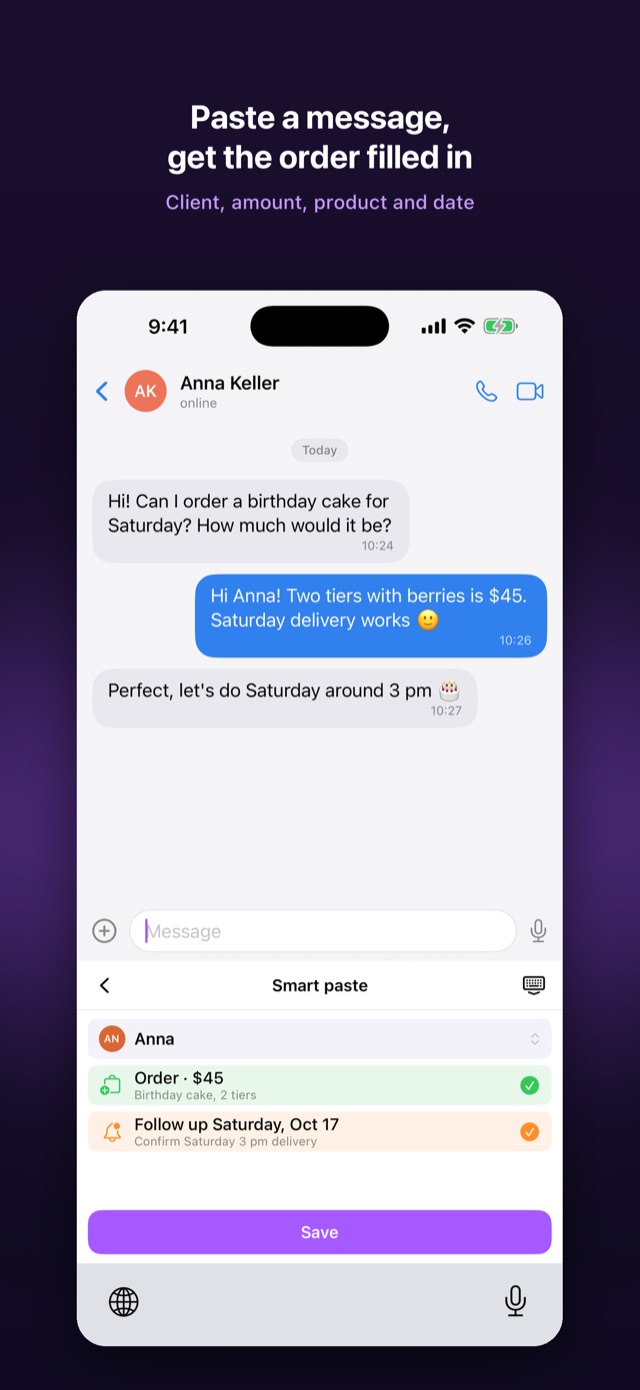
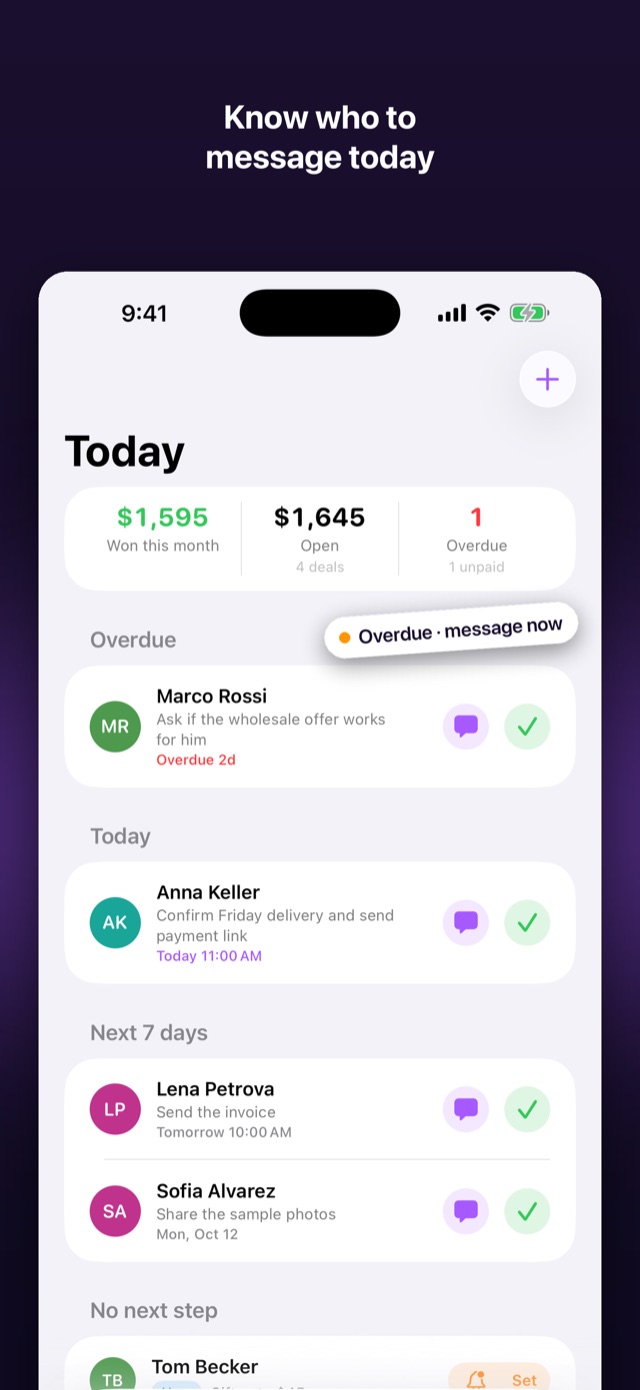
Save clients, orders and follow-ups from any chat in two taps, without leaving the conversation. Then open the app to see who to write to today and how much money is in play.

Support
Questions, bugs or ideas? Write to us. We reply as soon as we can.
Common questions
How do I turn on the Clientboard keyboard?
Open Settings → General → Keyboard → Keyboards → Add New Keyboard → Clientboard, then tap Clientboard and turn on Allow Full Access. In any chat, hold or tap the globe key to switch to it. The app shows these steps on first launch.
Why does the keyboard need Full Access?
iOS requires Full Access for a keyboard to save into its app and to request AI replies. Clientboard does not record what you type in other apps, and iOS switches to the system keyboard in password fields.
Where is my data stored?
Your clients, orders and notes are stored only on your iPhone. There is no account and no cloud copy. You can export everything to CSV from Settings.
Is AI required?
No. AI replies are off until you allow them, and every other feature works without AI. You can turn AI off at any time in Settings → AI & Privacy.
I deleted the app. Can I get my data back?
Data lives only on your device, so deleting the app removes it and we cannot restore it. Export to CSV before deleting or switching phones.
How do I manage or cancel a subscription?
Subscriptions are handled by Apple. Open Settings → your name → Subscriptions on your iPhone to change or cancel.